Liquid-cooled simulation cluster with coolant distribution unit

Engineering & Simulation

GPU acceleration for simulation, digital twins and design.

Engineering teams are moving CFD, FEA, rendering and digital-twin workloads onto GPUs — often alongside existing CPU HPC. Peregrine helps size, build and operate GPU infrastructure that fits those hybrid environments.

Infrastructure can be designed to support customer security, governance and compliance requirements. Use one service or all four.

ASSESSBUILDOPERATECAPACITY

Part 1 · Use cases

GPU workloads in engineering & simulation.

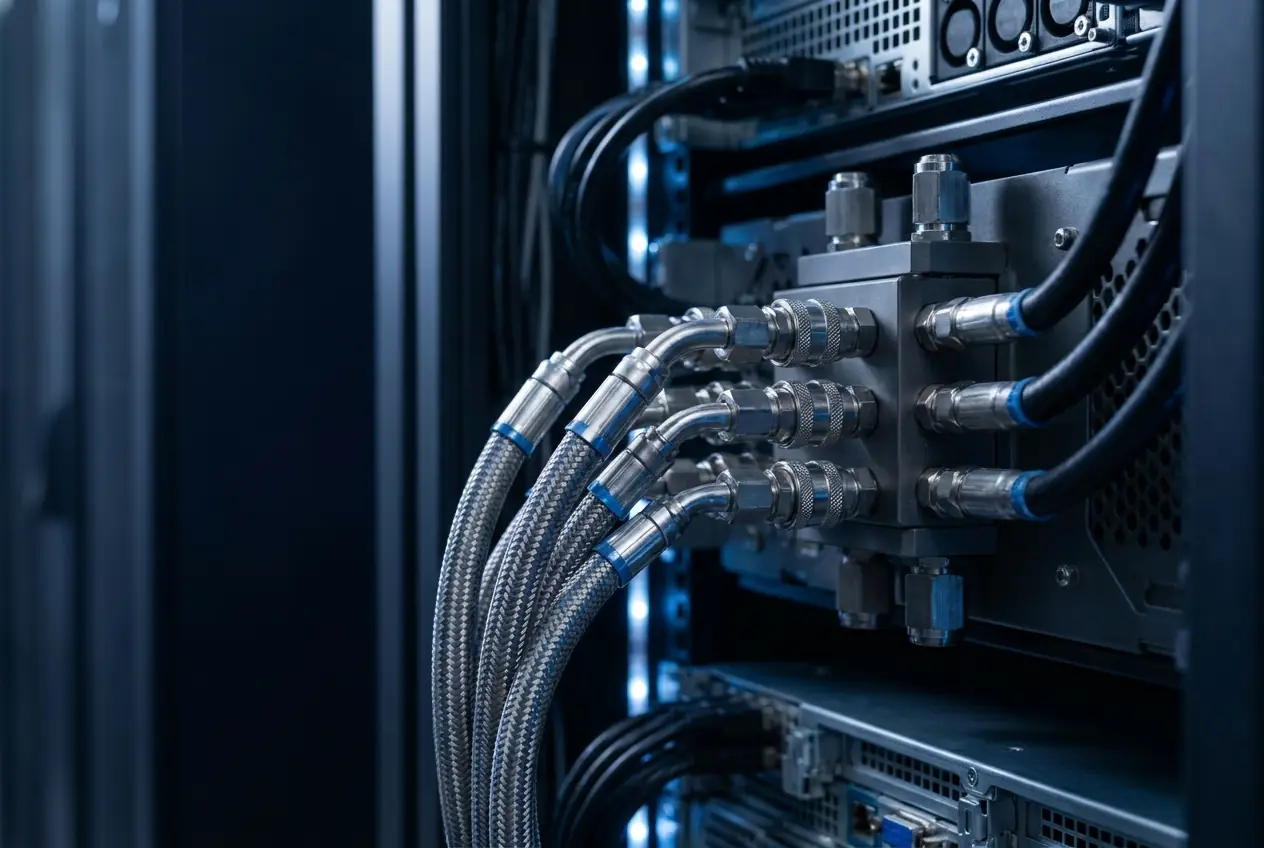
Liquid coolant lines and manifold on the rear of a GPU rack

Use case 01

CFD / FEA Acceleration

GPU-native solvers for fluid and structural analysis turn overnight runs into same-day iterations.

GPU nodes can join existing Slurm clusters so engineers submit jobs the way they do today.

GPU considerations

  • Memory: large meshes need high-memory GPUs
  • Interconnect: multi-node fabric for coupled solvers
  • Storage: high-throughput scratch
  • Data residency: design data stays in-house
High-density GPU hall with overhead liquid-cooling pipework

Use case 02

Digital Twins

Real-time models of assets and processes combine simulation, sensor data and visualisation.

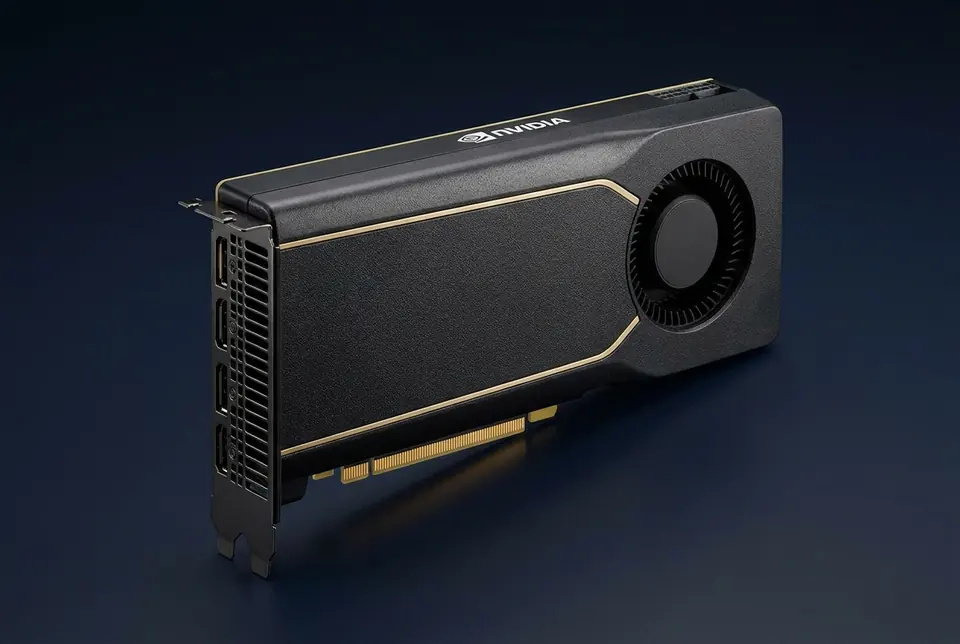
PCIe platforms with large memory suit twin rendering and inference.

GPU considerations

  • Memory: high for detailed twins
  • Interconnect: PCIe
  • Storage: time-series and asset data
  • Data residency: operational data onshore
DATAGPU COMPUTEMODEL / RESULT

Use case 03

Rendering & Visualisation

Design visualisation and media rendering are bursty and parallel.

On-demand capacity absorbs render peaks without idle hardware.

GPU considerations

  • Memory: scene dependent
  • Interconnect: single node
  • Storage: asset libraries
  • Data residency: as required
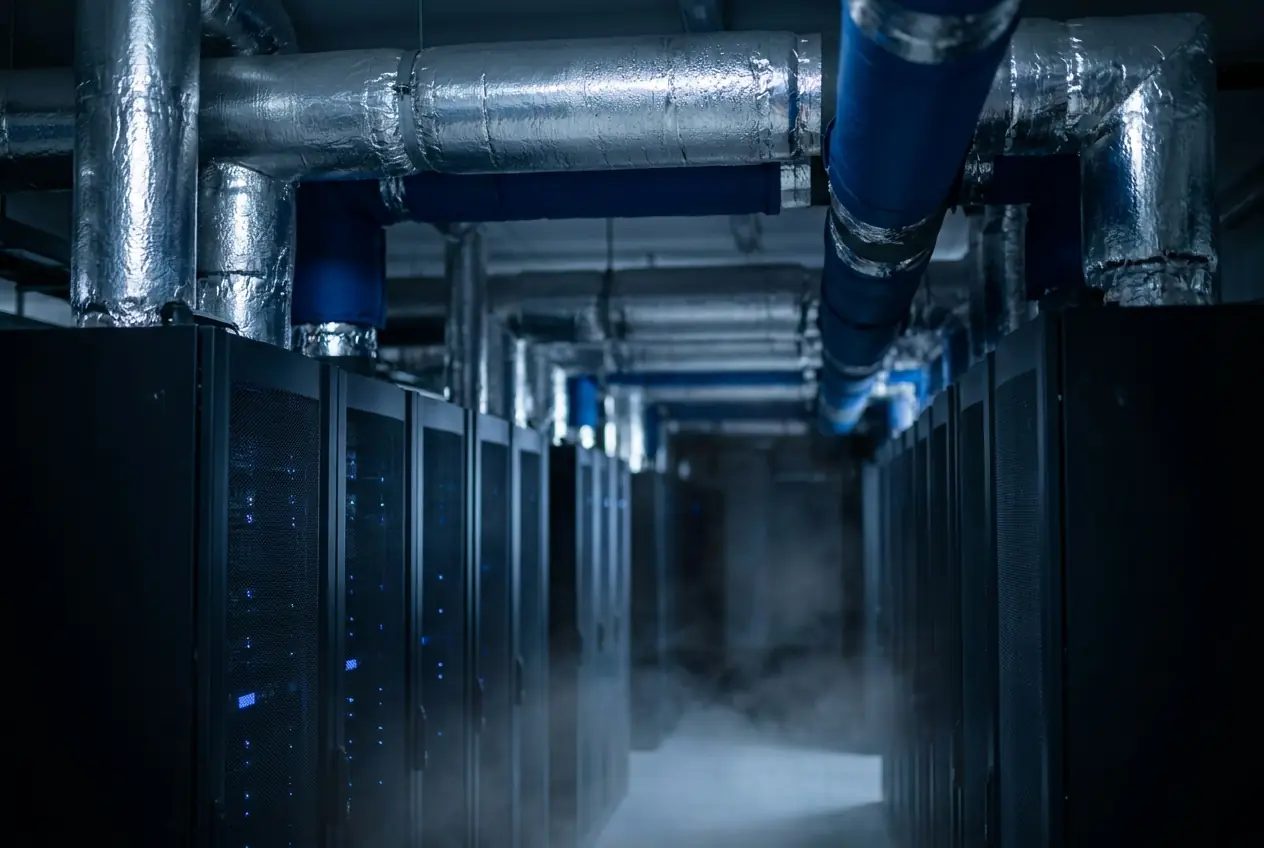
Liquid-cooled simulation cluster with coolant distribution unit

Use case 04

Batch Simulation & AI Surrogates

Parameter sweeps and ML surrogates trained to approximate simulations compress design-of-experiments cycles.

Quotas keep batch work from crowding out interactive engineering.

GPU considerations

  • Memory: moderate
  • Interconnect: single or multi-node
  • Storage: results archives
  • Data residency: as required

Part 2 · How to deploy with Peregrine

Four ways to engage — use one or all.

  1. 01ASSESS

    Compute Blueprint

    Assess which solvers benefit from GPUs, size memory and interconnect, and compare adding GPU nodes to existing HPC against Peregrine capacity.

    Learn more
  2. 02BUILD

    Build GPU Infrastructure

    Design and commission GPU nodes that integrate with your scheduler, storage and licensing, on premises or in an Australian data centre.

    Learn more
  3. 03OPERATE

    Managed AI Platform

    Operate GPU partitions, scheduling, monitoring and upgrades alongside your HPC team.

    Learn more
  4. 04CAPACITY

    GPU Capacity + Private AI Cloud

    Reserved or on-demand Australian-hosted GPUs for simulation peaks and rendering bursts, subject to availability.

    Learn more

Recommended platforms

Platforms commonly considered for these workloads.

Indicative only; the Compute Blueprint confirms platform, interconnect and scale per project.

All GPU platforms

Infrastructure models: capital vs operating

Engineering firms often extend owned HPC with GPU nodes (capital) and use reserved or on-demand capacity (operating) for design-cycle peaks. Peregrine scopes both per engagement; no prices are published on this site.

FAQ

Common questions.

Talk to a Compute Specialist.

Tell us about your engineering & simulation workloads and deployment preferences. A compute specialist will discuss the appropriate infrastructure model.